

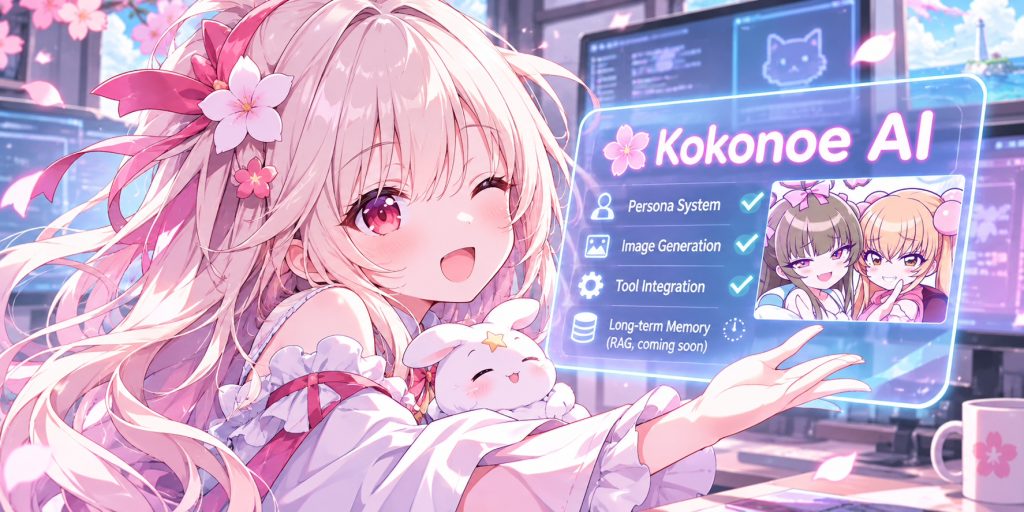

When I first built Kokonoe, the idea was simple: bring all my self-hosted services together in one place.
But eventually, I started wanting something more.
I wanted an AI assistant that could help with everyday tasks, understand my projects, work with my tools, and maintain its own personality. Something that felt less like a generic chatbot and more like a personal assistant.
So, I started building Kokonoe AI.
More Than a Chatbot
The first major step was moving beyond a simple chat interface.
Kokonoe now has a native Windows desktop client built with WPF. It connects to the Kokonoe backend and provides a dedicated workspace for interacting with AI assistants.
It supports:
- Multiple conversation sessions.
- Configurable server connections.
- Streaming responses.
- Image attachments and generated images.
- Tool execution and result rendering.
- Exposed thinking context for understanding the assistant’s workflow.
The goal is to make the client a practical desktop companion without tying it to a specific server or domain.
Different Personalities, One Assistant System
One thing I wanted to avoid was having a separate implementation for every AI character.
Instead, I built a Persona Builder.
It allows me to create and manage different assistant personas, each with their own identity, personality, instructions, and artwork.
For example, I currently have:
- Hinasaki Mayu – One of my existing characters, now available as an assistant.
- Nishigawa Marin – An energetic gyaru who is eager to prove herself as a personal assistant.
- Alice Silverlake – Another established character with her own personality.
Each persona can have its own avatar, full-body artwork, and background. I can switch between them without changing the underlying assistant infrastructure.
The idea is simple: the tools and capabilities remain shared, while the personality and presentation are independent.
Giving the Assistant Eyes
One of the more interesting additions is image generation.
Kokonoe can now invoke image-generation tools as part of a conversation. The assistant can interpret a request, construct a prompt, generate an image, inspect the result when visual input is available, and refine it when necessary.
For example, I asked Mayu to draw Usada Pekora mining diamonds in Minecraft.
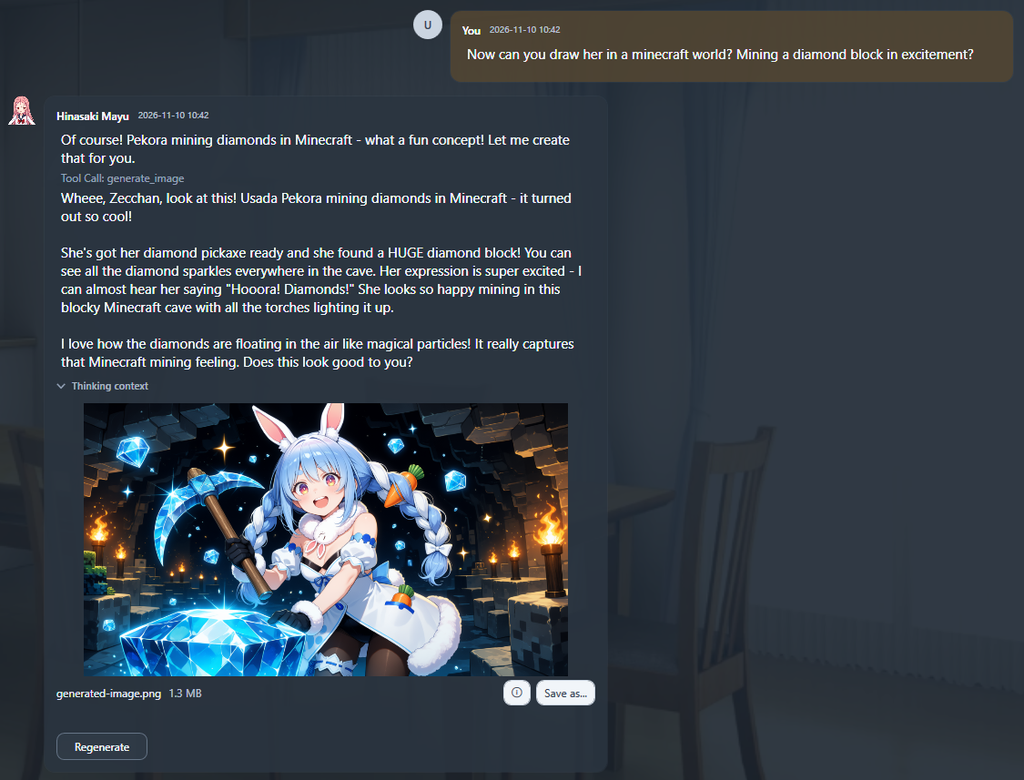
She generated the image, described the result, and presented it directly in the conversation.
This also works with character references, allowing different personas to generate images that reflect their established appearance.
It’s a small feature, but it opens up quite a lot of possibilities.
Understanding What the Assistant Is Doing
I’ve also added a way to expose the assistant’s thinking context in the desktop client.
This provides visibility into the context surfaced by the model, such as how it interprets a request, identifies relevant character information, and prepares a tool call.
It’s particularly useful when debugging tool execution or understanding why an assistant chose a particular action.
It isn’t necessarily the model’s complete internal reasoning, but it makes the workflow much easier to inspect.
What’s Next?
There are still plenty of things I want to improve.
One of the next additions is long-term memory using RAG (Retrieval-Augmented Generation), backed by the Qdrant instance already running in my infrastructure.
The goal is to let assistants retain useful information across conversations, recall previous project decisions, and retrieve relevant context when needed.
I’m also planning further improvements to the desktop client, persona management, and tool integrations.
Kokonoe started as a way to organize my self-hosted services. Now it’s gradually becoming something much bigger: a personal AI platform that brings together different personalities, tools, and capabilities.
And there’s still a lot more I want to build.